Reply to emails 25m
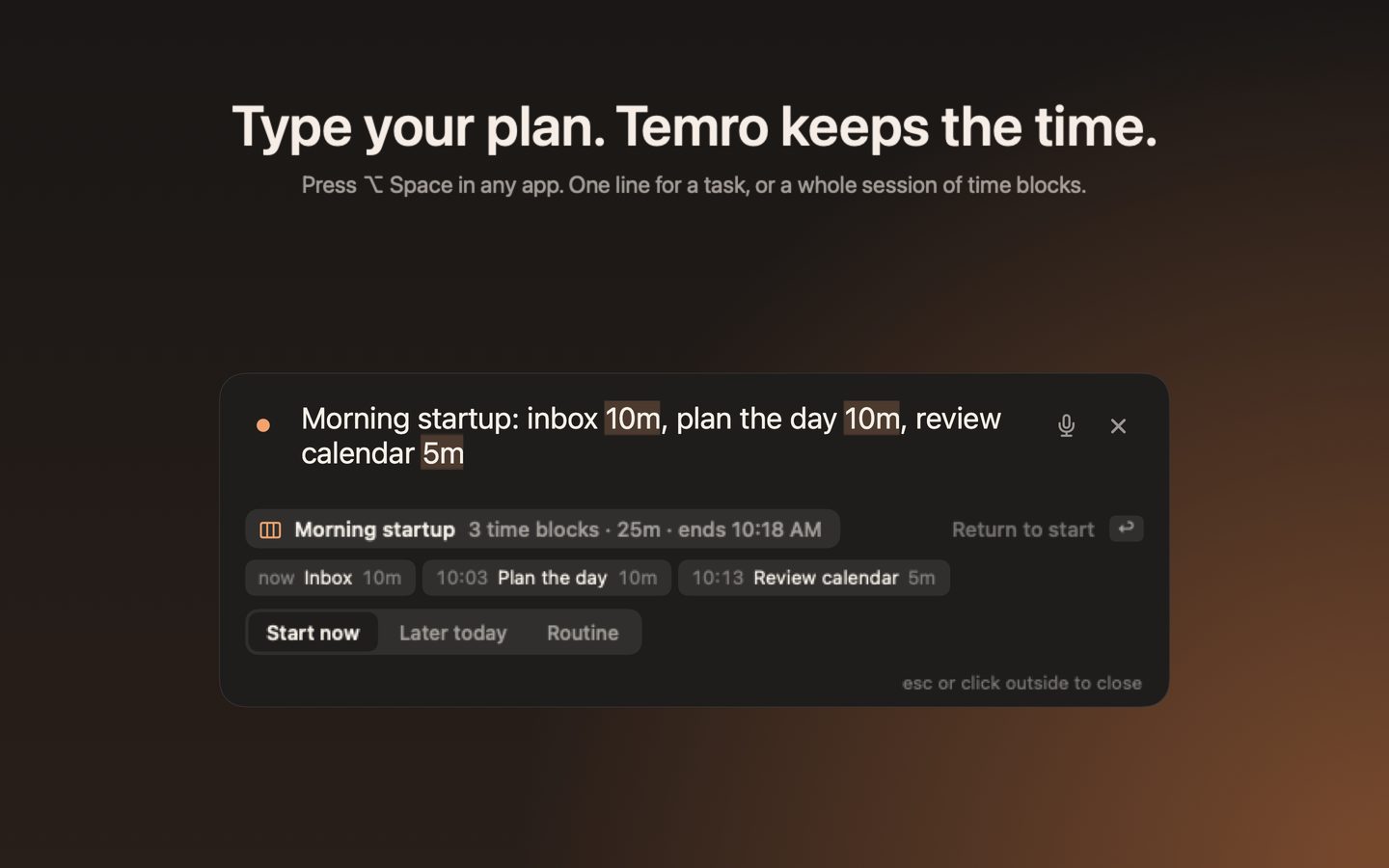
Type it, start it
⌥ Space from any app. One line: what, and for how long. Or just say it.
A calm focus timer for your Mac. Press ⌥ Space, type what you're working on and for how long, and get back to it.
Six things Temro does well, all included.
⌥ Space from any app. One line: what, and for how long. Or just say it.
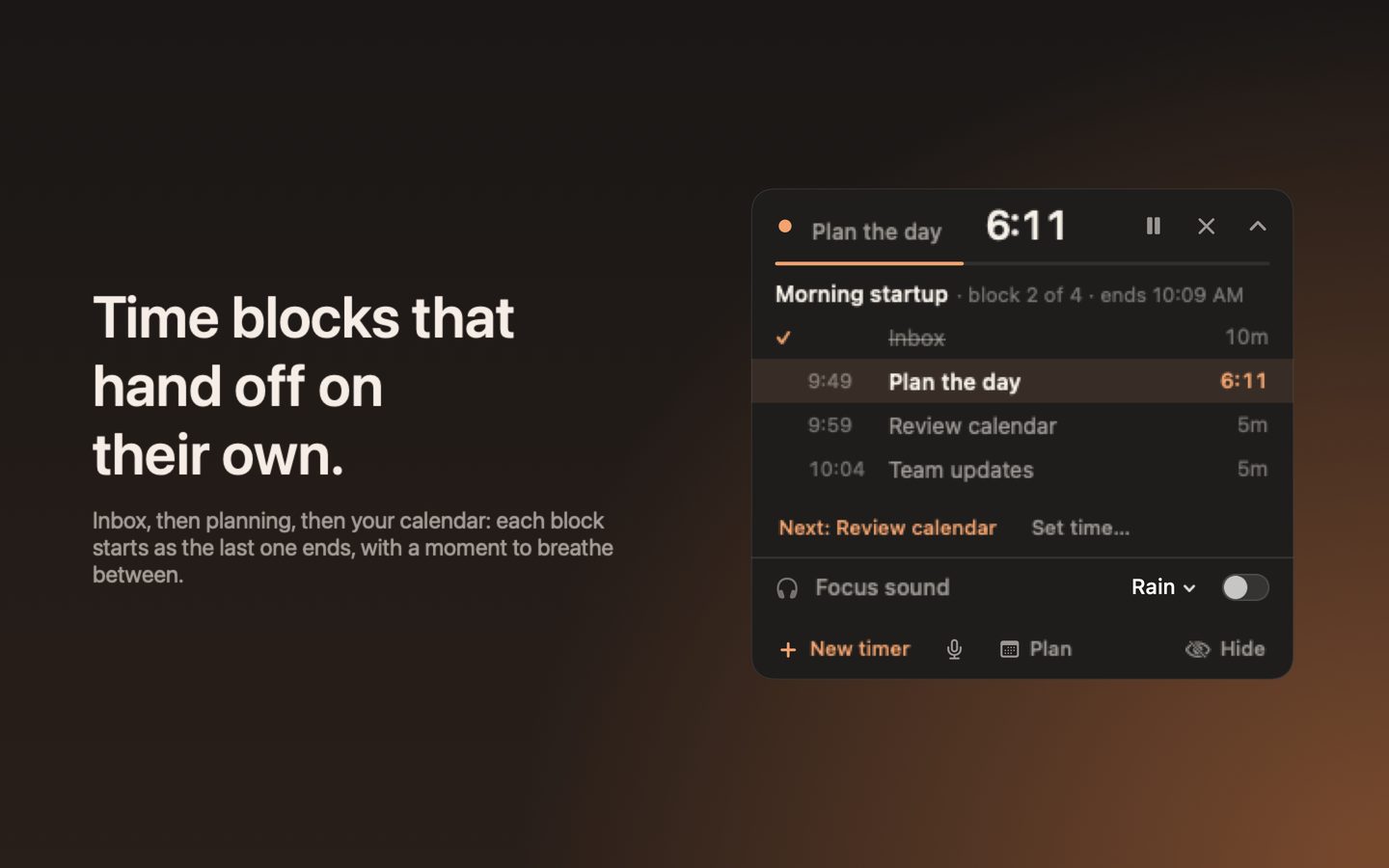
"Inbox 10m, plan 10m, review 5m." Each block starts when the last one ends.
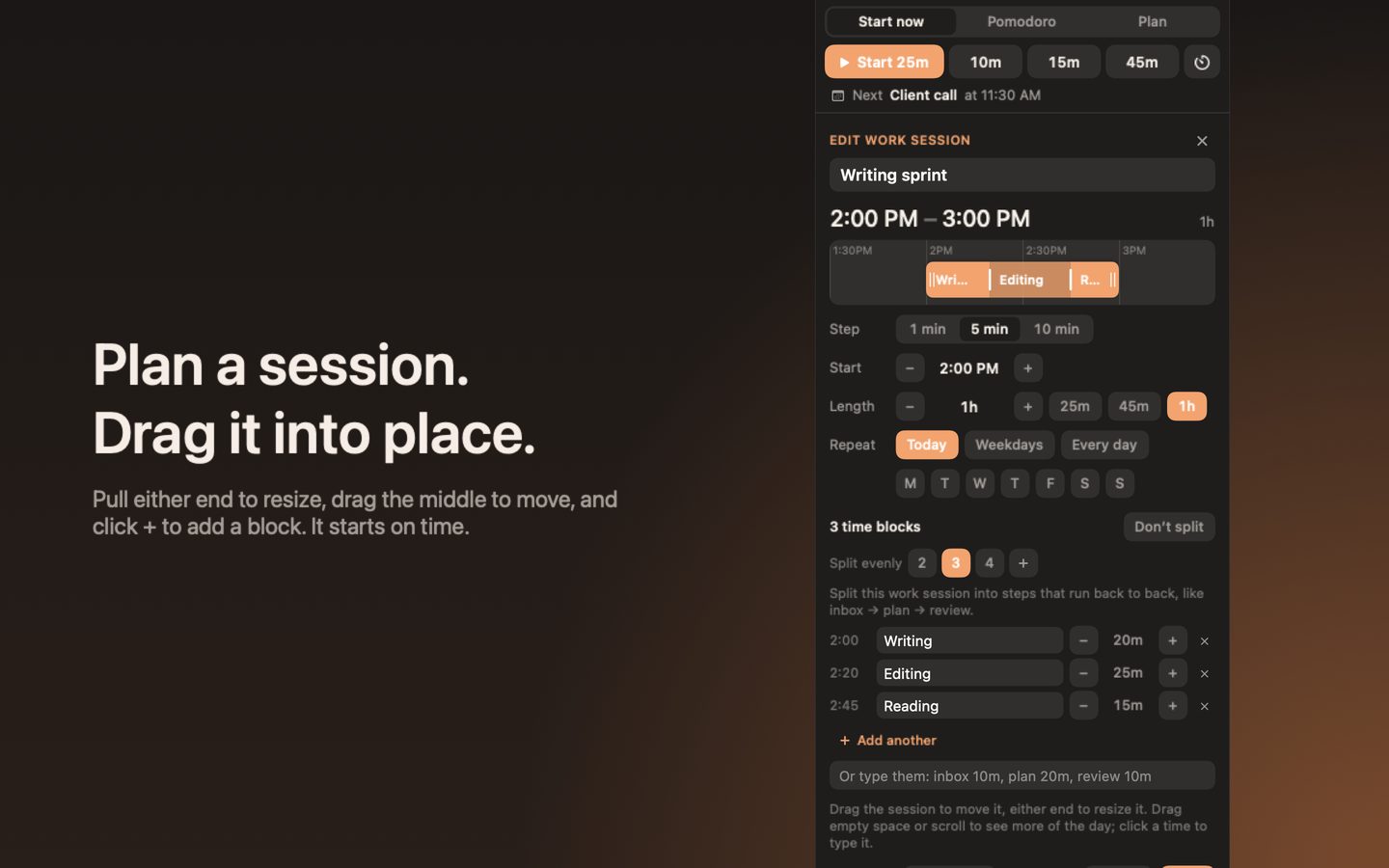
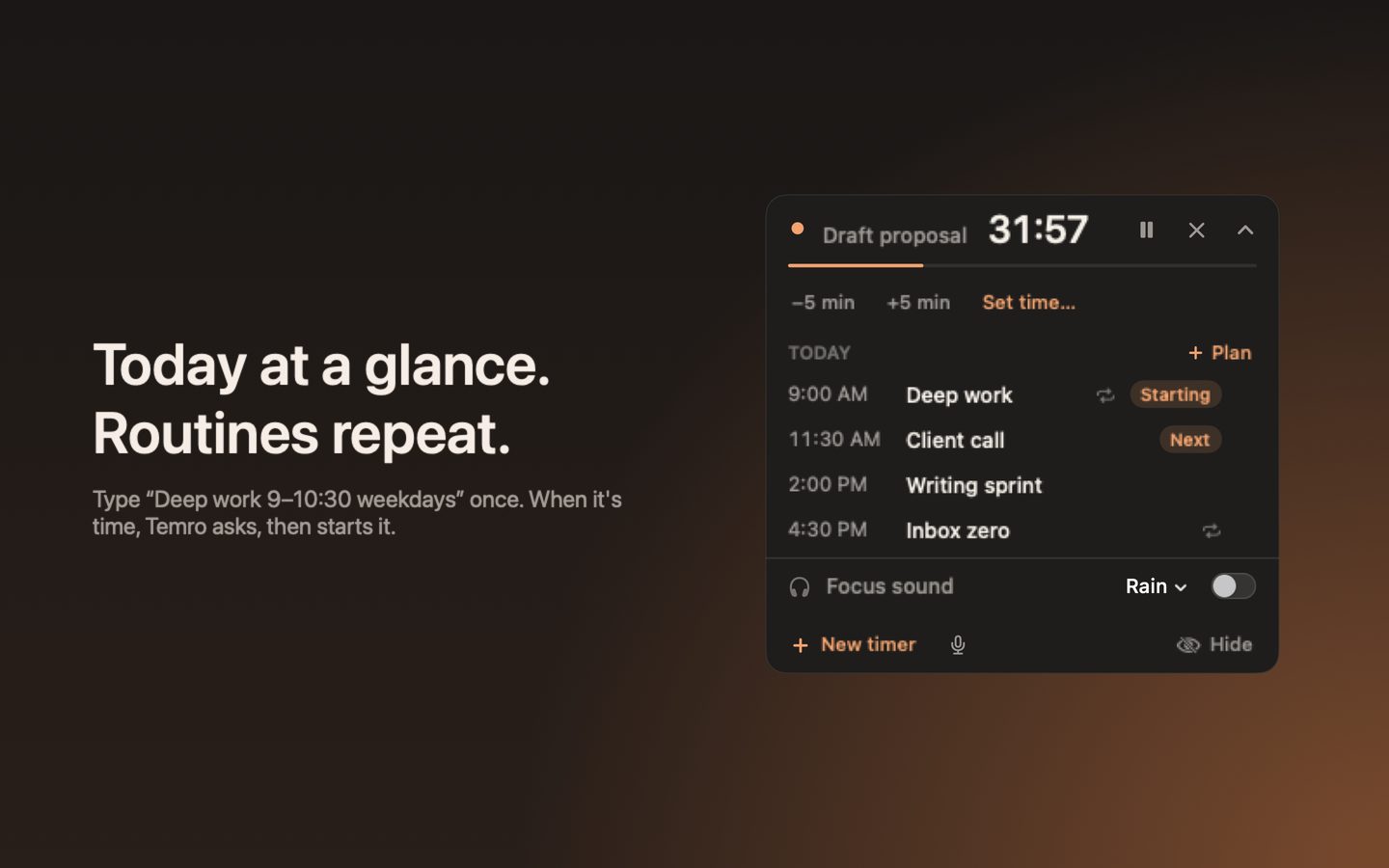
Drag a work session onto the timeline, or make it a routine. It starts on time.
A soft chime and a gentle nudge when time's up, even with the sound off.
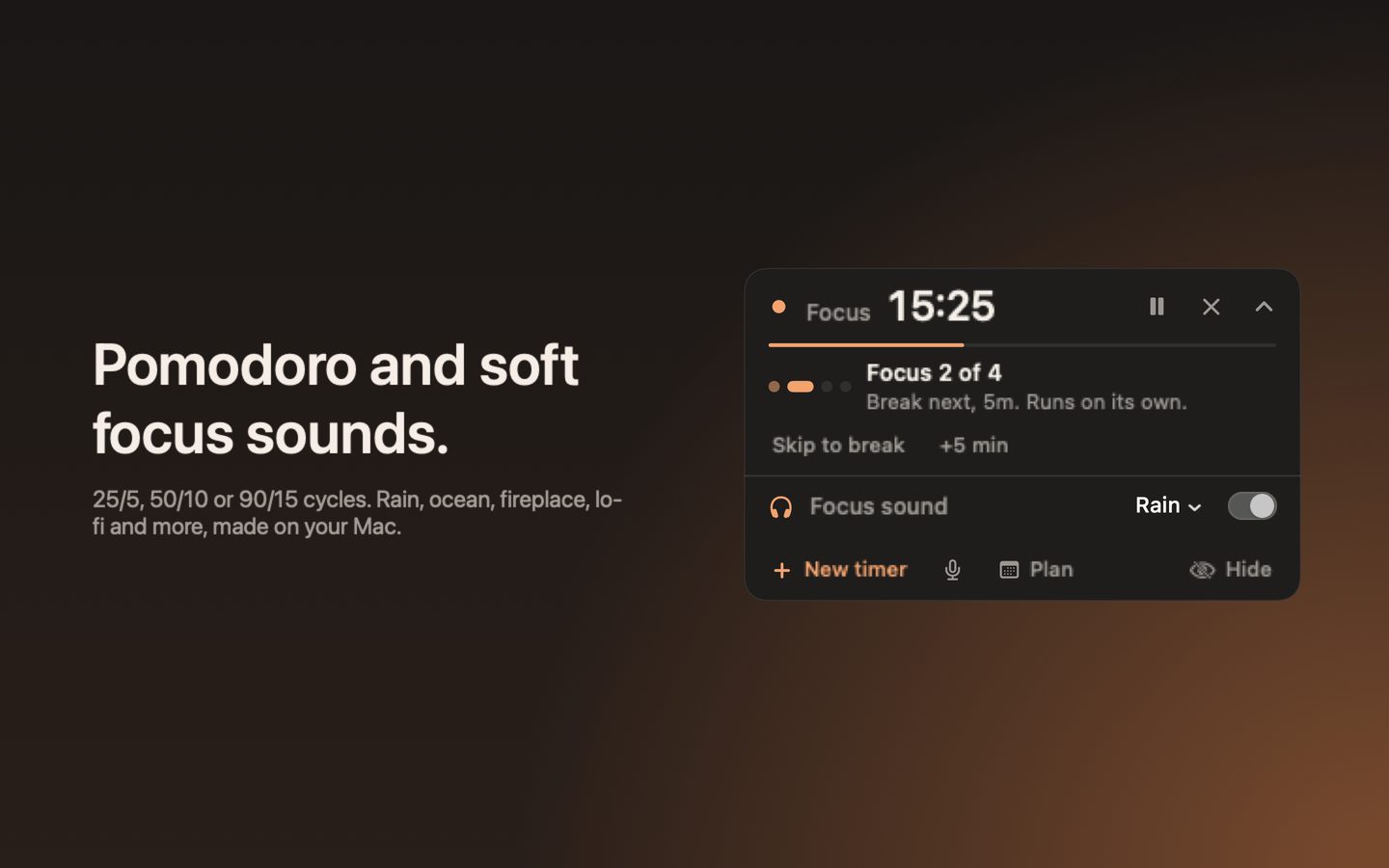
Breaks that say what to do: move, walk, hydrate, snack or breathe. Plus 25/5 Pomodoro and focus sounds.
No account, no analytics, no network access. Your timers stay on your Mac.
Temro is a Mac app, so this demo works best on a computer. Open this page on your laptop to try it.
Press ⌥ Space or click the screen, then type a plan like “inbox 10m, plan the day 10m”. Time runs fast here, so you can watch the blocks hand off.